S3 Express One Zone
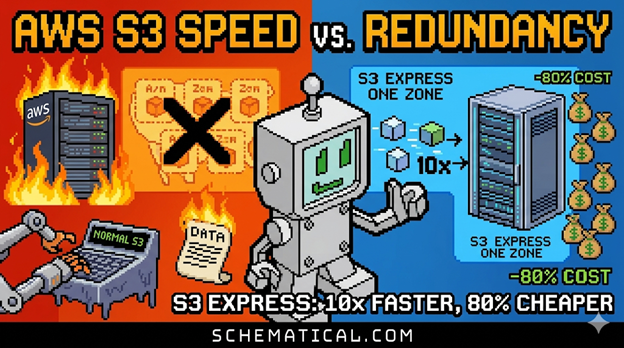
Want to speed up access to AWS S3 up to 10x faster while saving up to 80% compared to standard S3?
Then you need to check out S3 Express One Zone.
You might be wondering, “10x faster? 80% cheaper? Surely there must be a catch, right?”
Of course there is. When you set up your bucket, you need to select a specific Availability Zone where the bucket will live. No replication, or any of the multi-AZ/Region replication you see in normal S3 buckets.
This means a massive reduction in redundancy, but for the right use case, that might be a small price to pay.
The best use cases I have seen for this are high-throughput background tasks like training a model.
You can colocate the hardware you train on and the S3 bucket in the same AZ to decrease latency.
If the AZ falls over, no, it can’t fail over to another AZ, but it's a background worker, not your production API server.
You will lose some training time, but your end customers will never see the site flicker.
The “up to” 80% savings is huge, too. From what I can tell, this is because AWS doesn’t need to replicate your data out to other AZs and Regions. They save compute time and disk space by replicating your data, and you save big $$$.
I love that S3 is offering up such a variety of storage options on all sides of the spectrum. On one side, you have AWS S3 Glacier for infrequently accessed data, but highly redundant, and on the other side, you have S3 Express One zone being accessed super frequently with no latency but no redundancy.
People complain about cloud storage costs a lot, but those costs can be avoided if you choose the right tools for the job.
If you need help choosing the right tools for the job, feel free to reach out.